
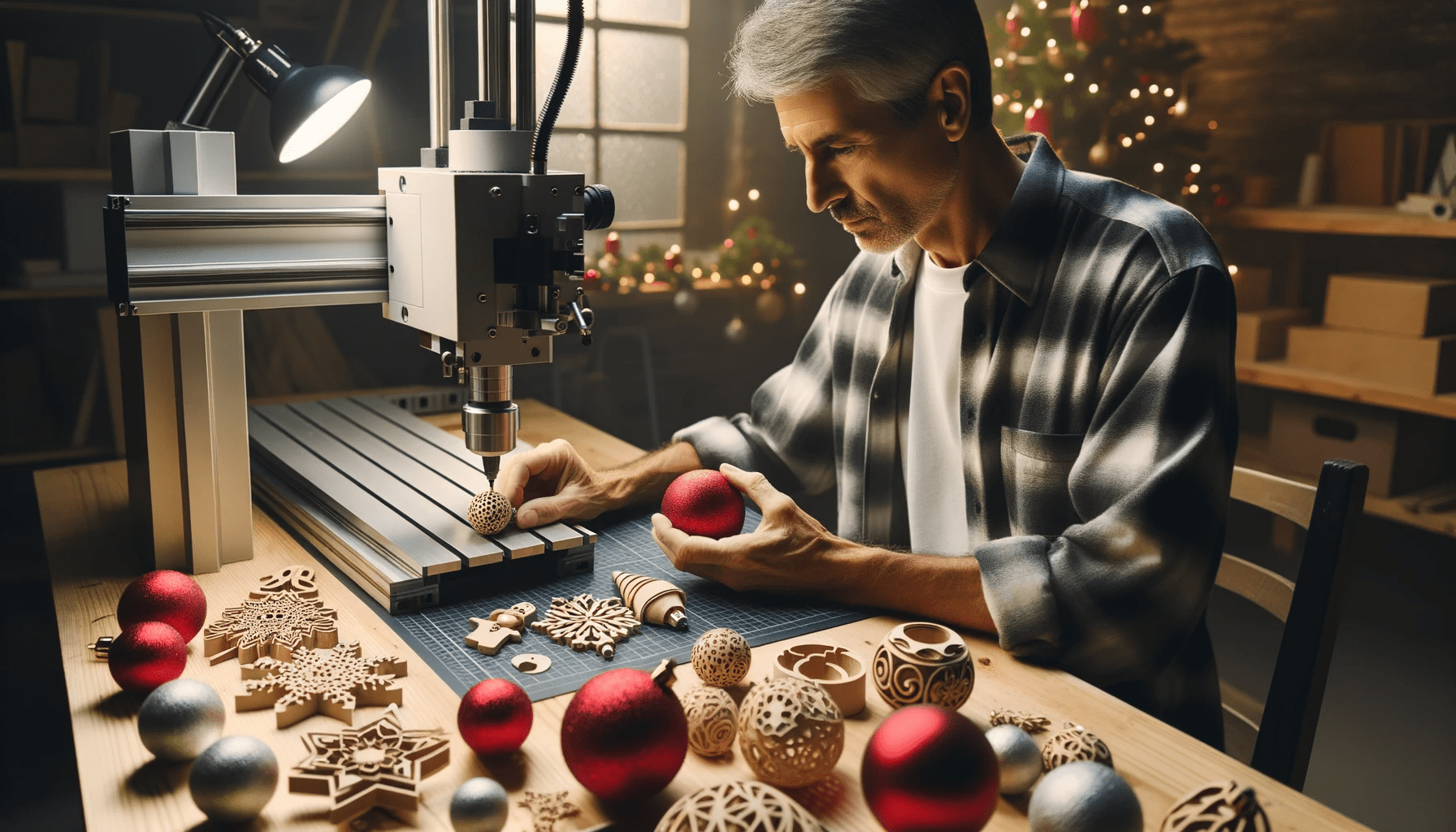
Computer Numerical Control (CNC) machines offer unparalleled precision for crafting personalized Christmas cards, moving beyond traditional paper to encompass diverse materials. This advanced manufacturing approach allows for intricate designs and tactile finishes, elevating holiday greetings into bespoke keepsakes. Utilizing a CNC router or engraver transforms standard card production into a highly customizable artistic endeavor.
Modern CNC technology enables hobbyists and professionals alike to produce high-quality, unique cards with repeatable accuracy. The versatility of these machines supports a range of techniques, from delicate scoring on paper to robust engraving on metals. Understanding specific material properties and appropriate tooling is essential for achieving optimal results.
Precision Engraving on Thin Wood Veneer
Engraving thin wood veneer for Christmas cards presents a unique blend of aesthetic appeal and technical challenge. Materials like birch, cherry, or maple veneers, typically ranging from 0.2mm to 0.6mm thick, require careful handling to prevent splintering or burning. Selecting a high-quality, stable veneer is paramount for successful outcomes.
Tooling for wood veneer demands fine-tipped engraving bits, often V-bits with angles between 30 and 60 degrees, or small diameter ball nose end mills (0.5mm to 1.0mm). Spindle speeds should be relatively high, typically 15,000 to 24,000 RPM, to ensure clean cuts and minimize tear-out. Feed rates must be conservative, ranging from 500 to 1200 mm/min, depending on the wood species and bit geometry.
Effective workholding is critical for thin veneers, often achieved with vacuum tables or double-sided tape to prevent material movement and vibration. Dust extraction is also vital, not only for machine longevity but also to maintain visibility and prevent debris from marring the delicate surface. A single pass is usually sufficient for engraving, with depth settings typically between 0.1mm and 0.3mm for a crisp, visible line.
Mastering Drag Knife Scoring for Paper Cards
| Material | Engraving Method | Typical Tooling | Spindle Speed (RPM) | Feed Rate (mm/min) | Depth of Cut (mm) |
|---|---|---|---|---|---|
| Thin Wood Veneer | Rotary Engraving | 30-60° V-bit, 0.5-1.0mm Ball Nose | 15,000 – 24,000 | 500 – 1200 | 0.1 – 0.3 |
| Cardstock/Paper | Drag Knife Scoring | Drag Knife Blade (60°/45°) | N/A | 300 – 800 | 0.05 – 0.1 (score) |
| Anodized Aluminum | Rotary Engraving | 30-60° Carbide Engraving Bit | 10,000 – 18,000 | 200 – 600 | 0.05 – 0.15 |
| Anodized Aluminum | Diamond Drag Engraving | Spring-loaded Diamond Tip | N/A | 100 – 400 | Pressure Dependent |
Drag knife technology provides an efficient and precise method for scoring and cutting intricate designs on paper and cardstock. Unlike rotary cutters, a drag knife pivots freely in its holder, allowing the blade to orient itself along the cutting path. This passive rotation eliminates the need for a powered spindle, simplifying the setup for delicate materials.
Software settings are crucial for drag knife performance, particularly the ‘offset’ parameter, which compensates for the blade’s pivot point. Typical offset values range from 0.25mm to 0.75mm, depending on the blade and holder design. Incorrect offset can lead to rounded corners or inaccurate cuts. Feed rates for scoring paper generally fall between 300 and 800 mm/min, with a very shallow depth of cut, often just enough to break the top layer of fibers without fully penetrating the material.
Material selection significantly impacts scoring quality. Heavier cardstock (200-350 gsm) yields better results than thin paper, providing sufficient body for a clean score line. Experimentation with blade pressure and depth is necessary to achieve the desired fold without tearing. A light touch is often best, allowing the blade to glide rather than dig into the material.
Crafting Anodized Aluminum Christmas Cards
Anodized aluminum offers a durable and sophisticated medium for Christmas cards, providing a metallic sheen and resistance to wear. The anodization process creates a porous oxide layer on the aluminum surface, which can be dyed various colors. Engraving removes this colored layer, revealing the natural silver aluminum beneath, creating a striking contrast.
Both laser and mechanical engraving methods are suitable for anodized aluminum. Laser engraving, particularly with fiber lasers, offers high speed and fine detail by ablating the anodized layer. Mechanical engraving, using a rotary tool or diamond drag bit, physically removes the material, producing a deeper, more tactile mark. The choice depends on desired aesthetic and available equipment.
For mechanical engraving, solid carbide engraving bits with a 30-degree or 60-degree tip are common. Spindle speeds should be moderate, around 10,000 to 18,000 RPM, with feed rates between 200 and 600 mm/min. A light depth of cut, typically 0.05mm to 0.15mm, is sufficient to expose the base aluminum without deforming the card. Using a lubricant or coolant can help prevent chip re-welding and improve surface finish.
Achieving Detail with Diamond Drag Engraving
Diamond drag engraving is an excellent technique for creating highly detailed and reflective designs on various materials, including anodized aluminum, brass, and even some plastics. This method uses a non-rotating, spring-loaded diamond-tipped tool that ‘drags’ across the material surface, scratching away the top layer. The spring mechanism ensures consistent pressure, accommodating minor surface irregularities.
The quality of diamond drag engraving is heavily influenced by the applied pressure and the material’s hardness. Too little pressure results in faint lines, while excessive pressure can cause tool wear or material deformation. Optimal pressure settings are often determined through test engravings, typically adjusted via the spring tensioner on the tool holder.
Diamond drag engraving produces a distinctive bright, burnished line that contrasts sharply with the unengraved surface. This technique is particularly effective for fine text, intricate patterns, and line art where depth is less critical than crispness and reflectivity. Feed rates are generally slower than rotary engraving, often between 100 and 400 mm/min, to allow the diamond tip to create a clean, continuous mark.
Optimizing Detailed Vector Art for CNC Engraving
Effective CNC engraving relies heavily on meticulously prepared vector art. Designs should be created in vector-based software like Adobe Illustrator or Inkscape, ensuring all lines are clean, closed paths, and free of overlapping segments. Converting text to outlines prevents font substitution issues during toolpath generation.
Minimum feature size and line thickness are critical considerations, dictated by the chosen tooling. For fine engraving, a minimum line width of 0.2mm to 0.3mm is generally achievable with appropriate V-bits or diamond drag tools. Overly thin lines or tightly spaced elements can lead to material blowout or indistinct features.
Toolpath generation in CAM software requires careful attention to detail. Selecting the correct tool, defining appropriate feeds and speeds, and setting the engraving depth are paramount. Utilizing ‘engrave’ or ‘carve’ toolpath strategies ensures the tool follows the vector lines accurately, rather than pocketing areas. Simulating the toolpath before machining helps identify potential errors and optimize the engraving process.