
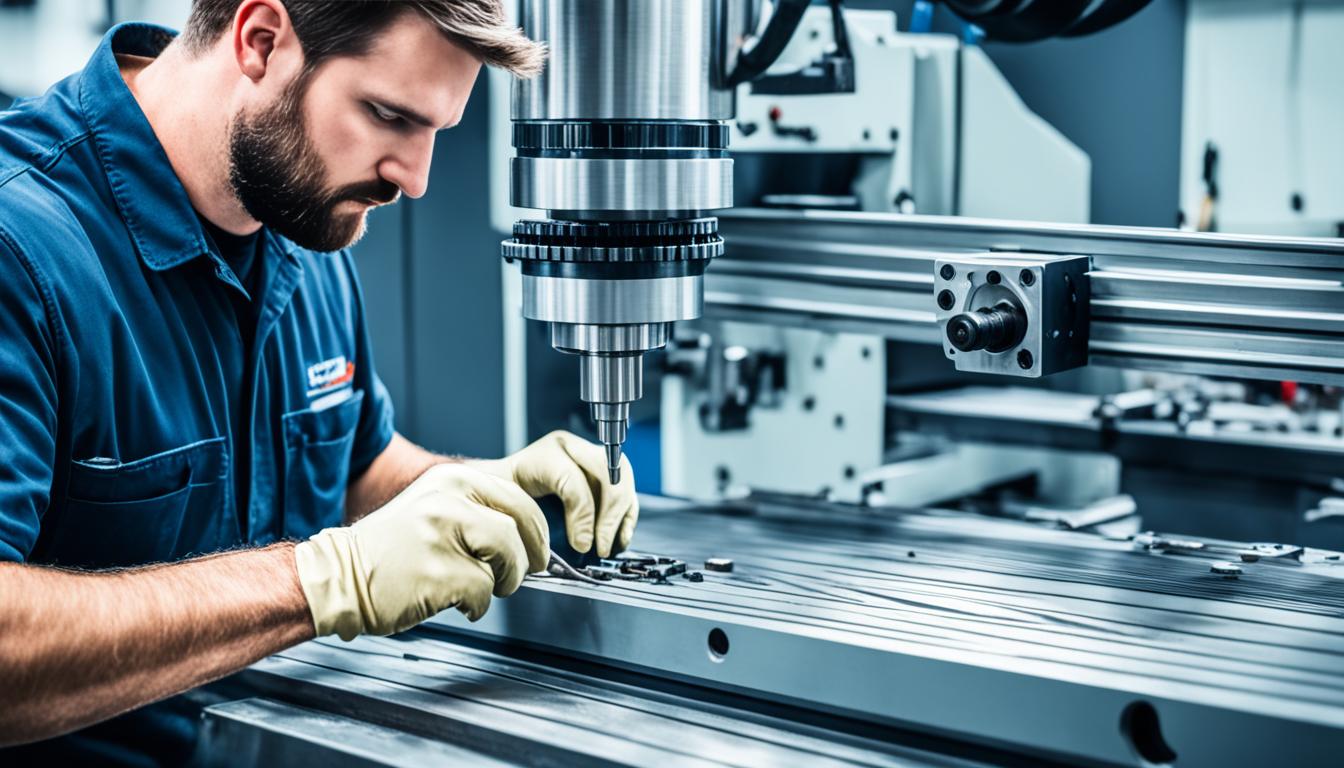
Choosing the correct CNC software is a critical engineering decision impacting manufacturing efficiency, part quality, and overall operational costs. The right solution integrates seamlessly into existing workflows, supports current and future machine capabilities, and provides robust tools for program validation.
Modern manufacturing demands software that not only generates G-code but also offers advanced features for optimization and verification. Evaluating key technical factors ensures a strategic investment that aligns with production goals and technological advancements.
Seamless Design-To-Manufacturing Workflow
Effective CAD/CAM integration capability is paramount for streamlining the product development cycle. Direct integration, often through native file support or robust APIs, minimizes data translation errors and accelerates the design-to-manufacturing process. This direct link ensures that the geometric model remains consistent from design to toolpath generation.
Associative modeling is a significant advantage, ensuring that any changes made in the CAD model automatically update the corresponding CAM toolpaths, thereby reducing rework and potential errors. Unified platforms, where CAD and CAM functionalities reside within the same software environment, offer the most seamless user experience and maintain data integrity throughout the entire process.
Machine Compatibility and Output Precision
| Parameter | Description | Typical Impact |
|---|---|---|
| CAD/CAM Integration | Native file support, associative modeling, unified platforms. | Reduces data errors, accelerates workflow. |
| Post-Processor Accuracy | Machine-specific G-code generation, kinematic support. | Ensures machine compatibility, prevents crashes. |
| Learning Curve | Time and resources required for user proficiency. | Affects training costs and operational readiness. |
| Licensing Model | Perpetual vs. subscription, node-locked vs. floating. | Influences upfront cost and long-term budgeting. |
| Simulation Capabilities | Collision detection, material removal verification. | Minimizes scrap, reduces setup time. |
| System Requirements | CPU, RAM, GPU, storage specifications. | Determines hardware investment and performance. |
Robust machine post-processor support is non-negotiable for accurate and reliable CNC program output. Developing precise post-processors requires a deep understanding of specific machine kinematics, controller dialects like Fanuc, Siemens, or Haas, and various G-code variations. This complexity often necessitates custom post-processors for unique machine configurations or advanced multi-axis systems.
Custom post-processors, while incurring additional development costs and time, are frequently essential for complex multi-axis machines or unique machine features. Verification of post-processed code through machine simulation is critical to prevent costly machine crashes and ensure the final part accuracy meets stringent engineering specifications.
User Proficiency and Training Investment
The software learning curve directly influences implementation time and staff productivity. Entry-level CAM software for basic 2.5-axis operations can often be learned in weeks, while mastering advanced 5-axis or complex surfacing modules may require months of dedicated training. Prior CAD experience significantly shortens this learning period.
Factors influencing the learning curve include the intuitiveness of the software interface and the availability of structured training resources. Many vendors offer tiered training programs, ranging from comprehensive online tutorials to intensive in-person workshops, designed to accelerate user proficiency and maximize software utilization.
Financial Models and Long-Term Value
Understanding the licensing cost structure is vital for long-term budget planning. Perpetual licenses, while having a higher upfront cost, offer indefinite usage rights, often with optional annual maintenance for updates and technical support. This model provides predictable long-term expenses after the initial investment.
Subscription-based models provide a lower initial investment and continuous access to the latest software versions, but they require ongoing payments and cease functionality if subscriptions lapse. Node-locked licenses restrict software use to a single workstation, whereas floating licenses allow multiple users to share a pool of licenses across a network, offering greater flexibility for larger teams.
Operational Assurance and Knowledge Base
Comprehensive community and customer support are essential for minimizing downtime and resolving technical challenges. Leading CAM software providers consistently offer multi-channel support, including phone, email, online knowledge bases, and active user forums. The quality of this support directly impacts operational continuity.
Response times and the technical expertise of support staff are critical metrics for evaluating customer service quality. Furthermore, active user communities often provide invaluable peer-to-peer support and practical workarounds, effectively complementing official vendor assistance and expanding the available knowledge base.
Process Validation and Optimization
Integrated simulation and verification tools are indispensable for validating toolpaths before physical machining. These tools allow for virtual verification of toolpaths, collision detection, and detailed material removal analysis, significantly reducing risks before any material is cut. Accurate simulation minimizes setup time and prevents costly damage to tooling and machinery.
Advanced machining strategies, such as true 5-axis CAM, offer sophisticated toolpath generation for complex geometries, including simultaneous 5-axis contouring and multi-surface finishing. Collision avoidance algorithms are paramount in 5-axis programming to manage tool, holder, and machine component interference, ensuring safe and efficient operation.
System Demands and Performance Expectations
Evaluating system requirements and performance is crucial for ensuring the software runs efficiently. Modern CAM software often demands multi-core processors, such as Intel i7/i9 or AMD Ryzen 7/9 equivalents, along with 32GB or more of RAM. Dedicated professional-grade GPUs, like NVIDIA Quadro or AMD Radeon Pro, are essential for optimal performance, especially when handling large assemblies or complex simulations.
Solid-state drives (SSDs) are now standard for faster load times and efficient project handling, while network bandwidth is critical for cloud-based solutions. Operating system compatibility typically includes Windows 10/11 Professional (64-bit), ensuring broad compatibility with current industrial computing environments.
Achievable Tolerances and Feeds & Speeds
The software’s ability to facilitate precise machining directly correlates with achievable tolerances. General machining tolerances often range from ±0.005 inches (±0.127 mm) for non-critical features, tightening to ±0.001 inches (±0.025 mm) for precision components. High-precision applications, such as those in aerospace or medical device manufacturing, can demand tolerances as tight as ±0.0002 inches (±0.005 mm) or even finer.
Feeds and speeds are increasingly optimized using manufacturer-provided data, online calculators, and integrated CAM software databases that consider tool material, workpiece material, and machine rigidity. High-efficiency machining (HEM) strategies, utilizing constant chip load and trochoidal milling, allow for higher material removal rates and extended tool life. Adaptive milling toolpaths dynamically adjust feeds and speeds based on real-time cutting conditions to maintain optimal performance and prevent tool deflection.