
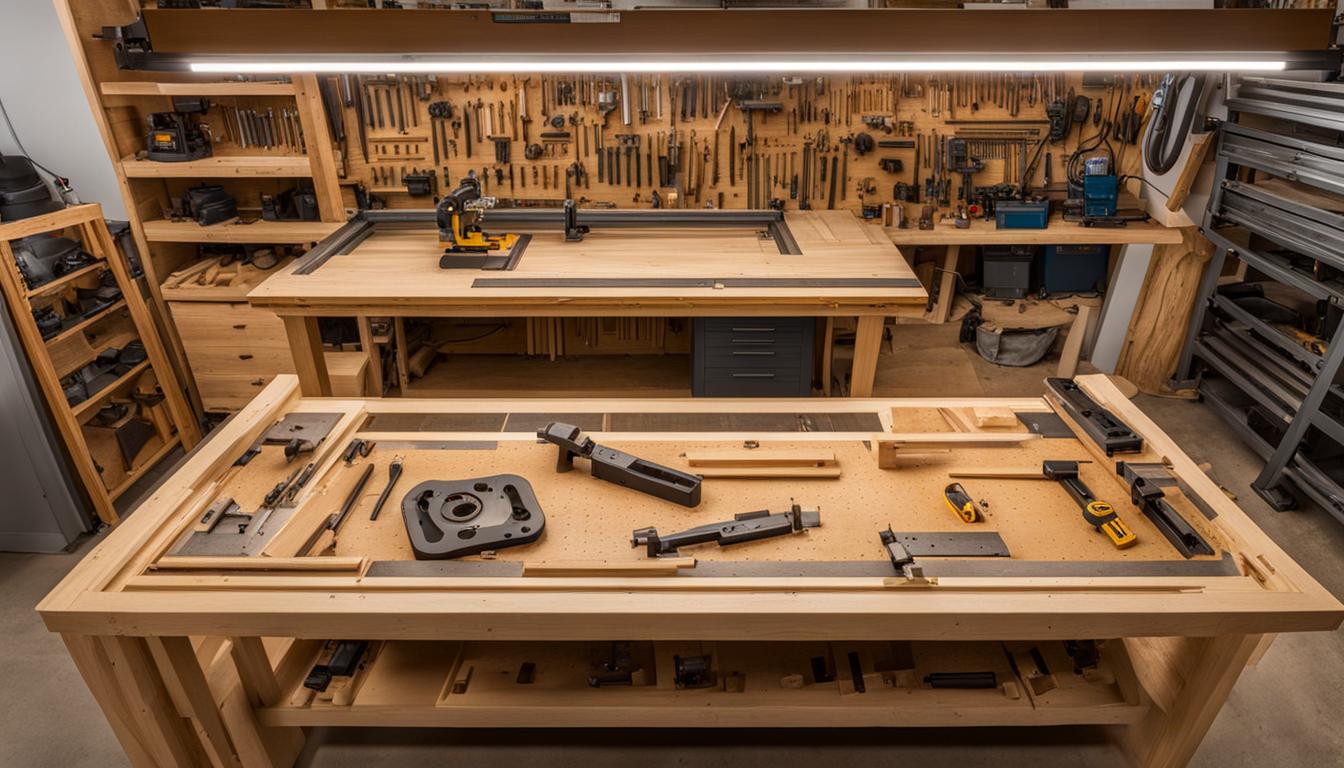
The Inventables X-Carve stands as a popular choice for hobbyists and small businesses entering the world of CNC woodworking. This desktop router offers a comprehensive ecosystem, integrating hardware with intuitive software to simplify the carving process. Its design emphasizes user assembly and a clear path from digital design to physical output.
Available in various sizes, the X-Carve caters to different project scales, with cutting areas ranging from 300 x 300 x 65mm to 750 x 750 x 65mm for the standard models. The X-Carve Pro, a more robust option, offers larger work areas up to 48 x 48 x 4 inches.
Inventables X-Carve Setup and Calibration
Assembling an Inventables X-Carve is a hands-on process, designed to familiarize users with the machine’s mechanics. The kit includes all necessary components, from the gantry and Y-axes to the spindle mount and electronics. Detailed instructions guide users through each step, emphasizing careful attention to detail for optimal performance.
Initial calibration is critical for achieving precise cuts. Key steps involve adjusting the V-wheels to ensure smooth, consistent movement across all axes without excessive play or overtightening. Squaring the Z-axis to the wasteboard is also essential, using a large square ruler to verify perpendicularity and adjusting mounting screws as needed.
Belt tensioning on the X and Y axes is another vital calibration step. Belts should be taut enough to prevent slippage but not so tight as to strain the stepper motors or cause premature wear. Proper tension ensures accurate motion and prevents ‘missed steps’ during carving operations.
After mechanical adjustments, electronic setup involves testing wiring, enabling automatic spindle control, and verifying homing switch functionality. A calibration test carving helps confirm that the machine’s movements align precisely with the software’s commands, ensuring dimensional accuracy.
Easel CAD/CAM Software Workflow
| Feature | Inventables X-Carve (Standard) | Inventables X-Carve Pro |
|---|---|---|
| Work Area (Typical) | Up to 750 x 750 x 65mm (29.5 x 29.5 x 2.5in) | 48 x 24 x 4in or 48 x 48 x 4in |
| Spindle Power | DeWalt 611 (1-1/4 HP) | 2hp (1.5kW) |
| Spindle RPM Range | 16,000 – 27,000 RPM | 8,000 – 24,000 RPM |
| Drive System | Belt drive (X, Y axes), Leadscrew (Z-axis) | Ball screws with linear guides (all axes) |
| Accuracy | ~0.005 inches | ~0.001 inches |
| Assembly Time | ~16-18 hours (user assembled kit) | <2-4 hours (gantry pre-assembled) |
| Carvable Materials | Wood, plastics, soft metals | Wood, plastics, non-ferrous metals |
Easel, Inventables’ proprietary web-based CAD/CAM software, provides an integrated platform for designing, generating toolpaths, and controlling the X-Carve. Its browser-based interface eliminates the need for powerful local hardware, making it accessible to a wide range of users.
The software streamlines the CNC workflow by combining design and toolpath generation in a single environment. Users can create 2D designs, import SVG, DXF, or G-code files, and then define cutting parameters such as depth per pass, feed rate, and plunge rate.
Easel offers different subscription tiers: Basic, Starter, and Pro. The Basic plan includes full design tools and one carve per week, while Starter increases the carve limit and adds features like raster carving. Easel Pro unlocks advanced capabilities such as V-carving, 3D carving, and unlimited carves, catering to more complex projects and professional use.
A significant feature of Easel is its real-time preview, allowing users to visualize the carving process before sending the job to the machine. This helps identify potential issues and refine designs, reducing material waste and saving time. Easel also provides recommended cut settings for various bit and material pairings, serving as a valuable starting point.
Hobbyist Wood Carving Techniques
Hobbyist wood carving with the X-Carve opens up numerous creative possibilities, from intricate signs to custom furniture components. Material selection is crucial, with common choices including hardwoods, softwoods, MDF, and plywoods.
Selecting the correct router bit is paramount for achieving desired results and optimizing tool life. End mills are the most common type for CNC work, available in various geometries like straight, spiral (up-cut, down-cut, compression), and V-bits. Spiral bits are effective for chip evacuation, while V-bits excel in detailed engraving and sign making.
Feeds and speeds, which refer to the feed rate (how fast the tool moves horizontally) and spindle speed (RPM), directly impact cut quality, tool wear, and machining time. Easel provides recommended settings, but understanding chip load—the thickness of material removed by each cutting edge—allows for fine-tuning.
For hardwoods like oak or maple, typical spindle speeds range from 16,000-18,000 RPM with feed rates between 80-120 IPM. Softwoods and plywood can often handle higher feed rates, around 100-150 IPM, at similar RPMs. Adjusting depth per pass, usually no more than half the bit’s cutting diameter, prevents excessive tool stress and improves surface finish.
Desktop CNC Router Assembly and Maintenance
The X-Carve, as a desktop CNC router, requires careful assembly to ensure its structural integrity and operational accuracy. The powder-coated aluminum frame provides a stable foundation, but proper leveling of the machine base is essential to prevent distortion during operation.
Regular maintenance is critical for sustained performance. This includes routine checks of V-wheel tension, belt tension, and ensuring the Z-axis remains square to the wasteboard. Dust control systems, often integrated with the X-Carve Pro, are vital for clearing chips and protecting electronics from abrasive dust.
Accuracy on desktop CNC machines like the X-Carve is influenced by several factors beyond initial assembly. Machine rigidity, quality of motion components (NEMA 23 stepper motors are standard), tool deflection, and workholding methods all play a role.
While industrial machines boast tighter tolerances, well-calibrated desktop routers can achieve impressive precision. The X-Carve Pro, for instance, claims an accuracy of 0.001 inches, while standard models typically achieve around 0.005 inches. For hobbyist and small business applications, this level of precision is generally more than adequate.
Small Business Craft Milling Applications
The X-Carve serves as a versatile tool for small businesses engaged in craft milling, enabling efficient production of custom items. Its ability to accurately replicate designs makes it ideal for creating signs, trays, toys, home decor, and furniture components.
For businesses, the X-Carve’s repeatability is a significant advantage. It can run multiple times a day to increase production on repetitive jobs, saving time and ensuring consistent product quality. This is particularly useful for creating jigs and fixtures that expedite assembly or production of other projects.
Easel Pro enhances commercial viability by offering features like V-carving for sharp lettering and raster toolpaths for efficient 2.5D projects. The ability to import various file types (SVG, DXF, G-code) also allows integration with other professional CAD/CAM software like Fusion 360 or VCarve Pro.
The X-Carve Pro, specifically designed for production use, features a more rigid construction with ball screws and linear guides, a 2hp (1.5kW) spindle, and faster assembly time. This makes it a turnkey solution for small businesses seeking higher throughput and tighter tolerances for their craft milling operations.