
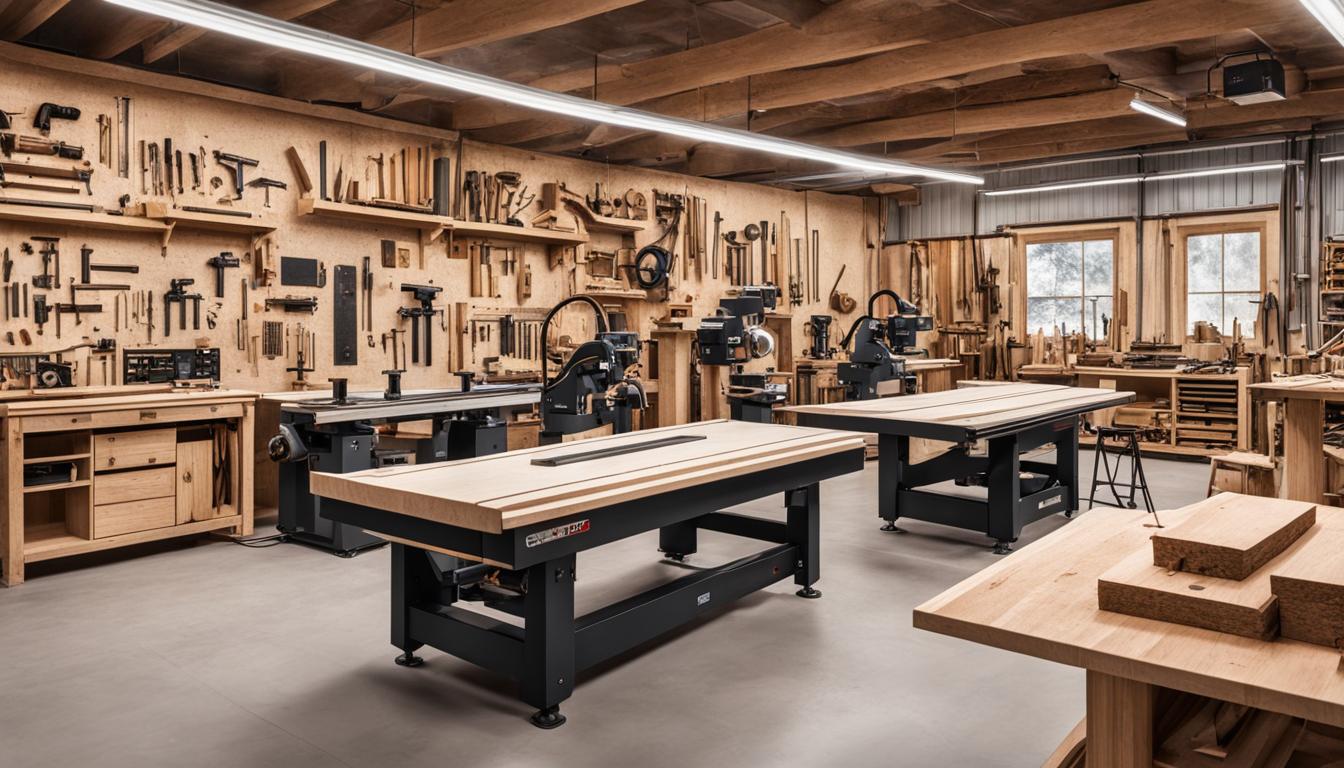
Computer Numerical Control (CNC) routers have transformed woodworking, enabling hobbyists to achieve precision and repeatability previously reserved for industrial shops. These machines translate digital designs into physical cuts, offering unparalleled accuracy for intricate carvings, joinery, and panel processing. Understanding the technical specifications and operational nuances is crucial for selecting the right equipment.
Modern CNC routers for woodworking are designed to handle a diverse range of materials, from softwoods and hardwoods to engineered panels like MDF and plywood. Achieving optimal results depends on correctly balancing spindle speed, feed rate, and chip load, which vary significantly by material type and tool geometry. For instance, hardwoods require specific settings to prevent burning, while MDF generates extremely fine, hazardous dust.
Choosing Between Desktop and Full-Size Routers
The initial decision for many woodworking enthusiasts involves selecting between a compact desktop CNC router and a larger, full 4×8 foot machine. Desktop models, such as the Shapeoko or Genmitsu 3018 Pro, typically offer work areas ranging from 12×12 inches (300x300mm) to 30×30 inches (760x760mm). These smaller machines are ideal for engraving, prototyping, and crafting smaller components, fitting well into home workshops with limited space.
Full 4×8 foot CNC routers provide a substantial work envelope, commonly 48×96 inches (1220x2440mm) or larger, making them suitable for processing standard sheet goods like plywood and MDF. These larger machines are essential for cabinetry, furniture production, and creating full-size signs. Their robust construction, often featuring heavy-duty aluminum or steel frames, ensures greater rigidity and precision during demanding cuts.
Spindle power also differentiates these categories significantly. Desktop routers typically feature entry-level spindles from 0.5kW to 1.5kW, sometimes utilizing trim routers up to 300W. In contrast, full-size industrial routers often employ spindles ranging from 4.5kW to 9kW or higher, providing the necessary torque for deep cuts in dense materials and high-speed nesting operations.
The cost implications are substantial; budget-friendly desktop models can range from $300 to $2,000, while full 4×8 industrial machines typically start around $8,000 and can exceed $20,000. This price difference reflects not only the size but also the build quality, spindle power, and overall capability for continuous, heavy-duty operation.
Here is a comparison of key technical parameters:
Essential Dust Collection for CNC Woodworking
| Feature | Desktop CNC Routers | Full 4×8 CNC Routers |
|---|---|---|
| Typical Work Area | 12"x12" to 30"x30" (300x300mm to 760x760mm) | 48"x96" (1220x2440mm) and larger |
| Spindle Power | 0.5kW to 1.5kW (trim routers up to 300W) | 4.5kW to 9kW+ |
| Frame Rigidity | Aluminum alloy, often lighter construction | Heavy-duty aluminum, steel, or cast iron |
| Typical Cost Range | $300 – $2,000 | $8,000 – $20,000+ |
| Primary Use | Engraving, small parts, prototyping, learning | Sheet goods processing, cabinetry, furniture, large signs |
Effective dust collection is not merely a convenience but a critical safety and performance requirement for any CNC woodworking operation. Routing wood, especially MDF, generates large volumes of fine particulate matter that poses respiratory hazards and can compromise machine components. Proper integration of a dust collection system protects both the operator and the equipment.
Modern dust collection systems for CNC routers typically involve a dust shoe mounted around the spindle, capturing chips and dust at the source. This shoe connects via flexible hose to a dust collector. For hobbyist and small to mid-size routers, portable dust collectors or entry-level cyclone systems with 600-1200 CFM (Cubic Feet per Minute) capacity are often adequate.
Larger industrial CNC routers demand significantly higher airflow, with manufacturers recommending 1,000 to 5,000 CFM and ductwork at least 7 inches in diameter. A general rule for sizing is to sum the CFM requirements of all simultaneously operating machines and add 50% for system inefficiencies. Main trunk lines should maintain an air velocity of approximately 4,000 feet per minute to effectively transport wood chips.
Filtration technology is another key consideration. Systems often employ multi-stage filtration, including pre-separation (cyclonic) for larger particles and primary or HEPA filtration for finer dust down to 1-5 microns. Flexible hose connections should be minimized in length, as they introduce more resistance than rigid ducting, impacting overall system efficiency.
Streamlined Software for Hobbyist CNC
Navigating the software landscape can be daunting for new CNC users, but several options cater specifically to woodworking enthusiasts. The workflow typically involves CAD (Computer-Aided Design) for creating models, CAM (Computer-Aided Manufacturing) for generating toolpaths, and control software for machine operation. Integrated CAD/CAM suites simplify this process by combining design and toolpath generation in a single environment.
Beginner-friendly 2D/2.5D tools like Easel by Inventables and Carbide Create are popular starting points. Easel, being web-based, requires no installation and offers a drag-and-drop interface, making it exceptionally easy for basic sign making or carvings. Carbide Create, often bundled with Carbide 3D machines, provides a straightforward path from design to G-code for simple projects.
For more advanced 2.5D and 3D work, Vectric’s VCarve Pro and Aspire are highly regarded in the woodworking community. These programs are designed with woodworkers in mind, offering powerful features like nesting for material optimization and 3D relief carving capabilities. Autodesk Fusion 360 is another powerful integrated CAD/CAM solution, offering extensive 3D modeling and simulation, though it presents a steeper learning curve for those without prior CAD experience.
Regarding control software, GRBL is a popular open-source firmware for Arduino-based controllers, known for its beginner-friendliness and compatibility with various control interfaces like Universal Gcode Sender (UGS) or OpenBuilds Control. Mach3, a Windows-based option, offers more advanced features like 6-axis control and canned cycles but has a steeper learning curve. LinuxCNC provides industrial-grade control on a real-time Linux OS, suitable for users willing to invest time in its learning curve.
Optimizing Workholding with Vacuum Beds
Secure workholding is paramount for achieving precise cuts and preventing material movement during CNC operations. While traditional clamps are effective, vacuum beds offer a superior solution for many woodworking tasks, especially with flat sheet materials. These systems utilize negative pressure to firmly hold workpieces in place without obstructing toolpaths or leaving clamp marks.
Vacuum tables come in several configurations, including grid-like, porous, and hole matrix designs. Grid-like tables, common on Wattsan machines, provide high hold-down pressure and often feature zoned designs to concentrate suction where needed. Porous tables are ideal for delicate or thin materials, even foil, due to their uniform suction.
The effectiveness of a vacuum system hinges on the vacuum pump. Common types include regenerative blowers, rotary vane pumps, and claw pumps. Regenerative blowers balance high airflow (CFM) with moderate vacuum levels, making them suitable for porous materials like MDF spoilboards where constant leakage occurs. Rotary vane pumps and claw pumps offer higher vacuum strength (inHg), better for sealed parts or fixtures.
For spoilboard or nested base tables, a general guideline is to provide 5.5 CFM per square foot of surface area. Medium-Density Fiberboard (MDF) is the industry standard for sacrificial layers on vacuum tables due to its natural porosity, which allows suction to pull through and secure materials like plywood or melamine. Recent innovations, such as AirWeights systems, have made vacuum workholding accessible even for benchtop CNC routers, offering modular solutions for smaller work areas.
Evaluating Budget-Friendly Hobbyist Routers
Entering the world of CNC woodworking does not necessitate a massive initial investment, as several budget-friendly routers cater to hobbyists. These machines provide an excellent entry point for learning CNC fundamentals and completing various projects. When evaluating options, prioritize frame rigidity, work area size, drive system, and motor specifications.
Many popular budget models, often priced under $2,000, include machines like the Shapeoko 4, Sienci LongMill MK2.5, and the OneFinity Apprentice. The Shapeoko, developed by Carbide 3D, is recognized for its affordability, ease of use, and active online community, making it a strong contender for hobbyists and small workshops. The OneFinity Apprentice, introduced at $995, offers ball screws, providing enhanced precision for its price point.
Smaller desktop units, such as the Sainsmart Genmitsu 3018 Pro or Fox Alien Masuter Pro, are available in the $200-$500 range. While these are suitable for light engraving and prototyping, they often feature NEMA 17 motors and lighter frames, which can limit their cutting force and overall rigidity for demanding tasks. Experienced hobbyists seeking a larger workspace and more power might consider models like the Fox Alien XE Ultra 8080, offering a 33×33 inch cutting area with steel ball screws and linear rails.
When budgeting, remember to account for additional costs beyond the machine itself. This includes a router (if not integrated), a starter set of bits, and a dust collection system, which can add $500 to $1,000 to the total investment. Avoiding machines priced under $300 is generally advisable, as they often lack the rigidity and motor power for effective routing, leading to frustration and poor results.