
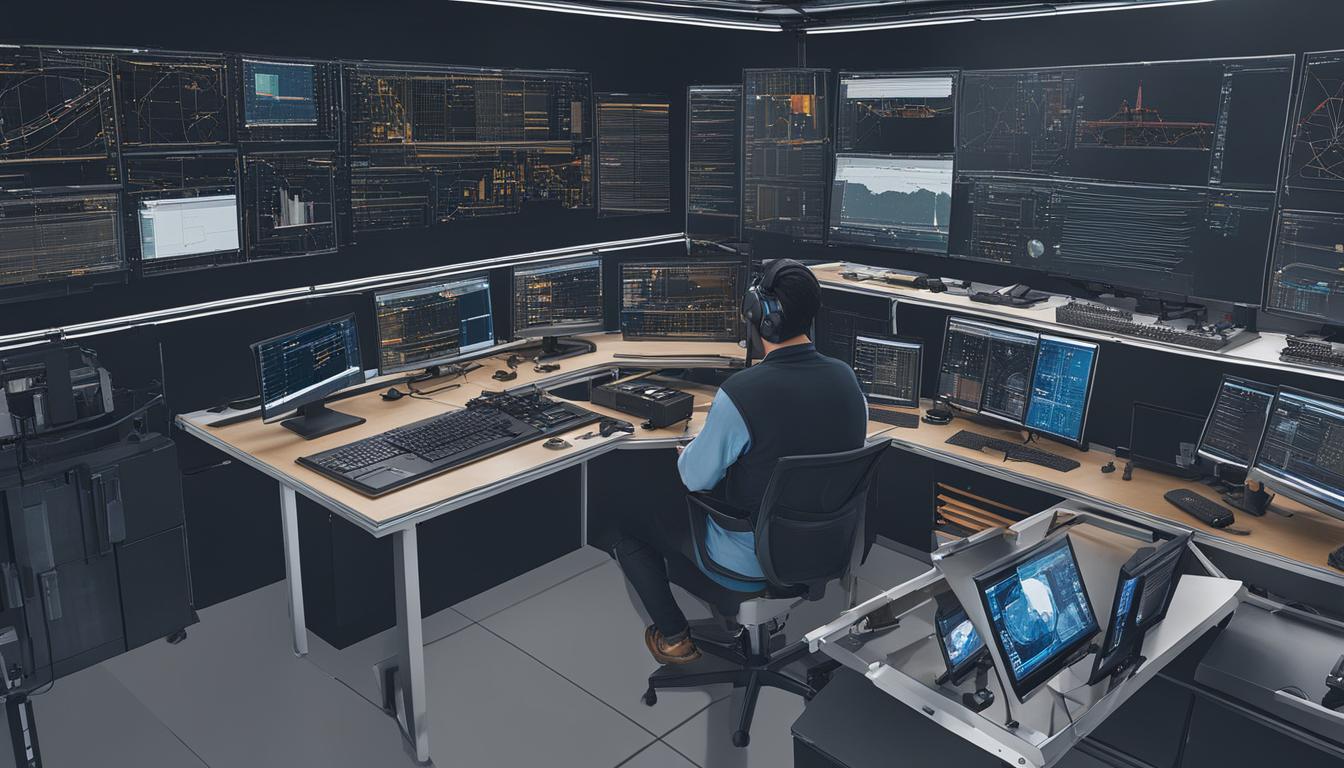
Effective CNC programming forms the bedrock of modern manufacturing, translating design intent into precise machine movements. Mastering this skill requires a structured approach, combining theoretical knowledge with practical application to achieve optimal machining outcomes. Aspiring machinists must navigate various learning pathways, from foundational G-code understanding to advanced CAM software proficiency.
Mastering G-Code Fundamentals Line by Line
Directly understanding G-code, the numerical control language, provides a fundamental insight into how CNC machines operate. This low-level programming approach builds a strong conceptual framework, revealing the direct relationship between code lines and toolpath generation. Learning G-code manually enhances troubleshooting skills and optimizes machine performance.
Common G-codes dictate motion, such as G00 for rapid traverse and G01 for linear interpolation, moving the tool at a programmed feed rate. Circular interpolation is achieved with G02 (clockwise) and G03 (counter-clockwise) commands, requiring specific radius or I, J, K parameters. Modal commands remain active until superseded by another command of the same group.
M-codes, or miscellaneous codes, control machine functions like spindle start/stop (M03/M05), coolant on/off (M08/M09), and program end (M30). Understanding these codes is essential for complete machine control and safe operation. Programmers often combine G-codes and M-codes within a single block to execute complex operations efficiently.
Absolute positioning (G90) references all coordinates from the program origin, while incremental positioning (G91) moves the tool relative to its current position. Both systems are critical for precise toolpath definition, with G90 typically used for primary movements and G91 for repetitive, offset operations like drilling patterns.
Leveraging Free and Professional CAM Software
| Feature | Free/Personal Use CAM (e.g., Fusion 360 Personal, FreeCAD Path) | Professional CAM (e.g., Mastercam, Fusion 360 Commercial) |
|---|---|---|
| Cost | Free or low-cost | Subscription-based, higher investment |
| CAD Integration | Often integrated (e.g., Fusion 360) or as a workbench (FreeCAD) | Integrated or standalone, robust CAD capabilities |
| Toolpath Complexity | Primarily 2D, 2.5D, some 3-axis | 2D, 3-axis, 4-axis, simultaneous 5-axis, turn-mill |
| Post-Processors | Limited customization, community-driven | Extensive library, highly customizable, vendor support |
| Simulation | Basic toolpath visualization | Advanced collision detection, material removal simulation |
| Support | Community forums, online tutorials | Dedicated technical support, certified training |
| Industry Use | Hobbyists, small projects, education | Production manufacturing, complex parts, aerospace |
Computer-Aided Manufacturing (CAM) software bridges the gap between digital designs and physical parts, translating CAD models into machine-readable G-code. This software defines toolpaths, cutting parameters, and machining strategies, significantly streamlining the programming process. Modern CAM systems offer advanced features that optimize material removal and surface finish.
Several free CAM software options exist for beginners and hobbyists, providing accessible entry points into CNC programming. FreeCAD’s Path Workbench, Estlcam, and Carbide Create are popular choices for basic 2D and 2.5D milling operations. Fusion 360 also offers a robust ‘Personal Use’ edition with integrated CAD/CAM capabilities, ideal for non-commercial projects.
For professional applications, industry-standard CAM software like Mastercam and Autodesk Fusion 360 provide comprehensive solutions. Mastercam is renowned for its extensive machine support, post-processor ecosystem, and deep toolpath control, making it a staple in diverse job shops. It offers specialized modules for milling, turning, and multi-axis machining, with training guides readily available.
Fusion 360, conversely, integrates CAD, CAM, and simulation within a cloud-connected platform, offering a lower entry cost and faster onboarding for small shops and prototyping teams. Educational licenses for Fusion 360 are available for eligible students and educators, providing full access to its powerful features for one-year renewable terms.
Simulating CNC Operations Virtually
Virtual CNC simulators are indispensable tools for learning and validating CNC programs without risking expensive machinery or materials. These software applications mimic real-world machine behavior, allowing users to test toolpaths, identify potential collisions, and optimize machining strategies in a safe, digital environment. This proactive approach significantly reduces setup times and minimizes costly errors on the shop floor.
Numerous free and online G-code simulators are available, offering accessible platforms for beginners to visualize their code. NC Viewer and CutViewer are popular browser-based options that provide real-time 3D visualization of toolpaths, supporting standard G-code commands for milling and turning. Camotics, an open-source desktop application, offers more advanced 3D material removal simulation and calculates machining time.
Beyond basic G-code visualization, professional-grade simulators integrate deeply with CAM software, offering comprehensive machine kinematics and collision detection. These advanced systems create ‘digital twins’ of CNC machines, accurately predicting actual feed rates, cycle times, and machine-specific behaviors. Such fidelity is crucial for complex multi-axis operations and validating programs for specific machine controllers.
Hands-On Training at Community Machine Shops
Practical, hands-on experience remains paramount in mastering CNC programming and machine operation. While theoretical knowledge and simulation are crucial, direct interaction with physical machines solidifies understanding and builds confidence. Community colleges, vocational schools, and local makerspaces offer invaluable opportunities for this essential practical training.
These educational institutions typically provide structured programs covering CNC mill and lathe operations, safety protocols, and the integration of CAD/CAM software. Students learn to set up machines, identify tools, interpret blueprints, and troubleshoot common issues in a supervised environment. Many programs also prepare individuals for industry-recognized certifications, such as those from the National Institute for Metalworking Skills (NIMS).
Makerspaces, like MakerspaceCT or Anchorage Makerspace, offer flexible training modules, often including introductory courses on CNC milling and routing. These environments foster a collaborative learning atmosphere, allowing aspiring machinists to work on personal projects and receive mentorship from experienced professionals. Such settings are ideal for exploring diverse machine types and materials without the commitment of a full academic program.
Engaging in hands-on training provides a competitive advantage in the job market, as employers highly value practical skills and real-world experience. It allows individuals to develop ‘muscle memory’ for machine operation and gain a deeper appreciation for the nuances of material behavior and cutting dynamics. This direct engagement is irreplaceable for truly understanding the entire manufacturing process.