
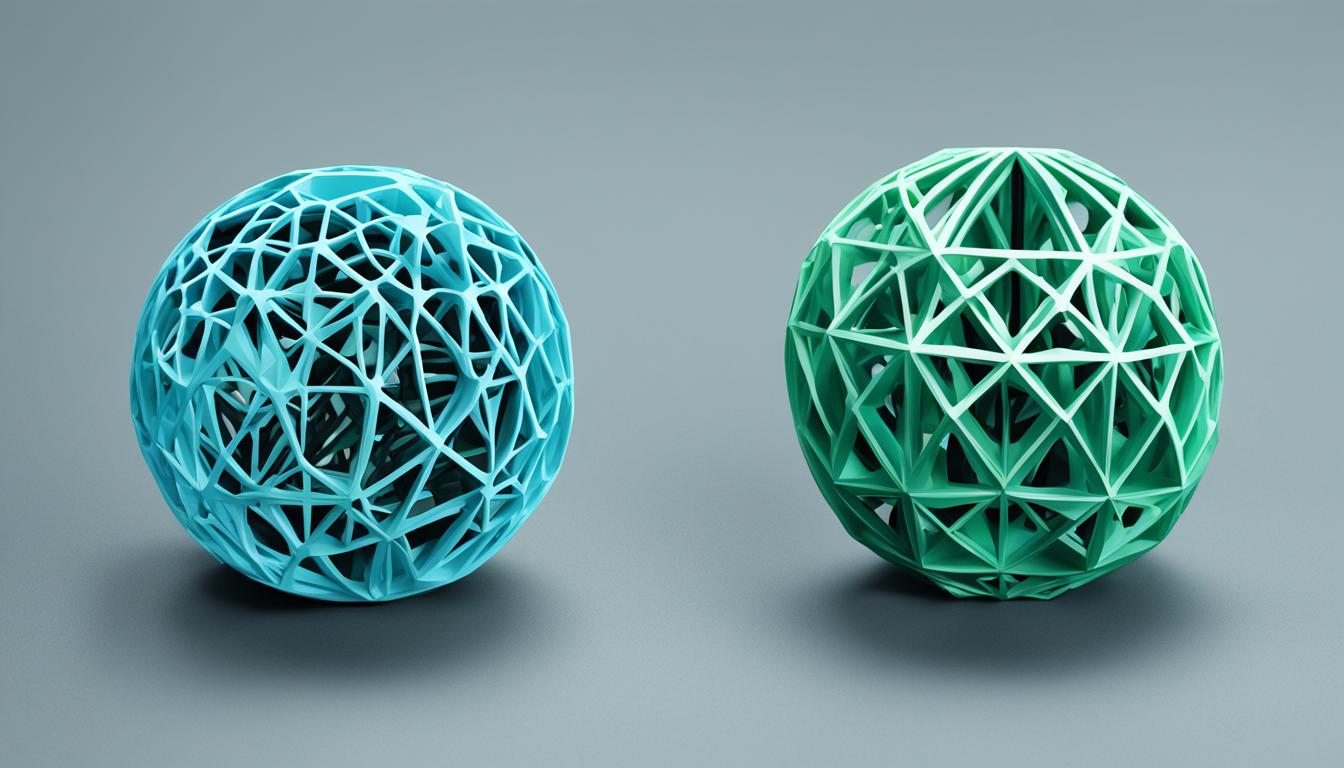
Simplify3D software provides extensive control over the 3D printing process, enabling engineers and designers to achieve high-quality, precise results. Its comprehensive feature set addresses critical aspects of additive manufacturing, from intricate model preparation to real-time print simulation. This powerful slicer is designed to optimize print quality and efficiency across a wide range of FDM printers.
The software’s architecture allows for detailed customization, moving beyond basic slicing to offer granular control over every print parameter. Users can fine-tune settings to overcome common printing challenges, ensuring successful outcomes for complex geometries and demanding applications. This level of control is essential for professional prototyping and production.
Unlocking Precision with Advanced Slicer Settings
Achieving optimal print quality hinges on meticulous adjustment of slicer settings, a core strength of Simplify3D. Parameters such as layer height directly influence both resolution and print time. Lower layer heights, typically 0.08mm or less, yield smoother surfaces and finer details, ideal for miniatures, though they significantly increase print duration.
Conversely, increasing layer height, often to 0.16-0.24mm for a 0.4mm nozzle, accelerates printing and enhances layer bonding strength, suitable for functional parts where aesthetics are less critical. The software also allows for variable settings within a single print, enabling different layer heights or infill densities for specific model regions.
Infill settings are crucial for part strength, weight, and print speed. Simplify3D offers various infill patterns, including ‘Grid’, ‘Triangular’, and ‘Solid Honeycomb’ for maximum strength, and ‘Rectilinear’ or ‘Fast Honeycomb’ for quicker prints with reduced material usage. Infill percentage, typically between 20% and 50%, dictates the internal density of the part.
Retraction settings are vital for preventing stringing or oozing, especially with materials like PETG. Simplify3D allows users to enable retraction and adjust parameters such as retraction distance and speed. Direct-drive extruders generally require 0.5-2.0mm retraction distance, while Bowden extruders may need up to 15mm due to longer filament paths.
Cooling fan settings are another critical adjustment, particularly for overhangs and small features. Insufficient cooling can lead to warping or deformation, especially with materials like ABS. Simplify3D enables precise control over fan speed, allowing users to increase cooling for specific layers or sections to help plastic solidify faster and retain its shape.
Mastering Multi-Extrusion and Material Management
| Parameter | PLA (Polylactic Acid) | PETG (Polyethylene Terephthalate Glycol) | ABS (Acrylonitrile Butadiene Styrene) |
|---|---|---|---|
| Typical Print Speed | 40-90 mm/s | 30-60 mm/s | 30-60 mm/s (initial layers 10-20 mm/s) |
| Layer Height (0.4mm nozzle) | 0.1-0.3 mm (0.08mm for fine detail) | 0.1-0.3 mm | 0.1-0.3 mm |
| Dimensional Tolerance (FDM) | ±0.2mm to ±0.5mm (±0.1mm for professional) | ±0.2mm to ±0.5mm (±0.1mm for professional) | ±0.2mm to ±0.5mm (±0.1mm for professional) |
| Material Shrinkage | 0.2-0.3% | 0.5-0.8% | 0.8-2% |
Simplify3D excels in managing multi-extrusion setups, providing tools that simplify complex dual or multi-material prints. The ‘Dual Extrusion Wizard’ streamlines the configuration process for two-color or multi-material models, ensuring proper alignment and material assignment.
For multi-extruder prints, features like the ‘Prime Pillar’ and ‘Ooze Shield’ are essential. The ooze shield creates a protective wall around the print to catch any leaking filament, preventing blemishes on the actual model. The prime pillar provides a dedicated area for extruders to purge and prime before printing on the model, ensuring consistent flow.
The software also supports assigning different extruders to print specific features, such as using one extruder for the main model and another for soluble support material or infill. This capability significantly enhances design freedom and post-processing efficiency, especially for intricate parts requiring complex internal structures.
Engineering Robust and Customizable Support Structures
Simplify3D is renowned for its advanced and highly customizable support structures, which are critical for printing models with steep overhangs or unsupported sections. The software offers both automatic generation and manual editing capabilities, allowing users to add, move, or remove individual support pillars as needed.
Key settings for support customization include ‘Support Pillar Resolution’, which determines the size of individual pillars; smaller values (1-2mm) are suitable for detailed features, while larger values (4-6mm) are better for broader areas. The ‘Max Overhang Angle’ defines at what angle supports will be generated, with 45 degrees being a common starting point for FDM printers.
The ‘Dense Supports’ feature creates an interface layer between the support material and the model’s surface, improving the finish on supported areas. Users can also specify ‘Support Type’, choosing between ‘Normal’ supports or ‘From Build Platform Only’, which prevents supports from building on the model itself, simplifying removal.
For parts with steep overhangs, ensuring at least one ‘Support Outline’ can provide additional structural integrity to the support infill, preventing it from printing in thin air. This level of control allows engineers to optimize support for easy removal without compromising print quality or structural integrity.
Optimizing Performance with Fast Slicing and Print Preview
Simplify3D features a highly efficient slicing engine, recognized for its speed and capability in processing complex models. This performance allows for rapid iteration of designs and quick generation of G-code, even for multi-gigabyte files with millions of triangles.
The software’s ‘Preview Mode’ offers an incredibly realistic simulation of the entire printing process, layer by layer. This powerful visualization tool allows users to observe toolhead movements, extrusion paths, and retractions, providing unprecedented insight before the actual print begins.
Enhanced preview controls enable users to navigate through individual lines or layers, jump to specific Z-heights, and view the XYZ position of the toolhead. This functionality is invaluable for identifying potential issues like collisions, inadequate support, or incorrect settings, saving significant time and material by preventing print failures.
The print preview also displays estimated build statistics, including print time and material usage, allowing for cost and time optimization. For multi-process prints, the preview can be colored by ‘Current Process’ to verify that different settings are applied correctly to their intended regions.
Technical Parameters for FDM Printing
Understanding typical FDM printing parameters is crucial for optimizing Simplify3D settings. These values serve as a starting point, requiring calibration for specific printers and filaments.
These specifications highlight the need for precise slicer adjustments to compensate for material properties and achieve desired outcomes. For instance, ABS’s higher shrinkage necessitates careful temperature management and often an enclosed print environment to prevent warping.