
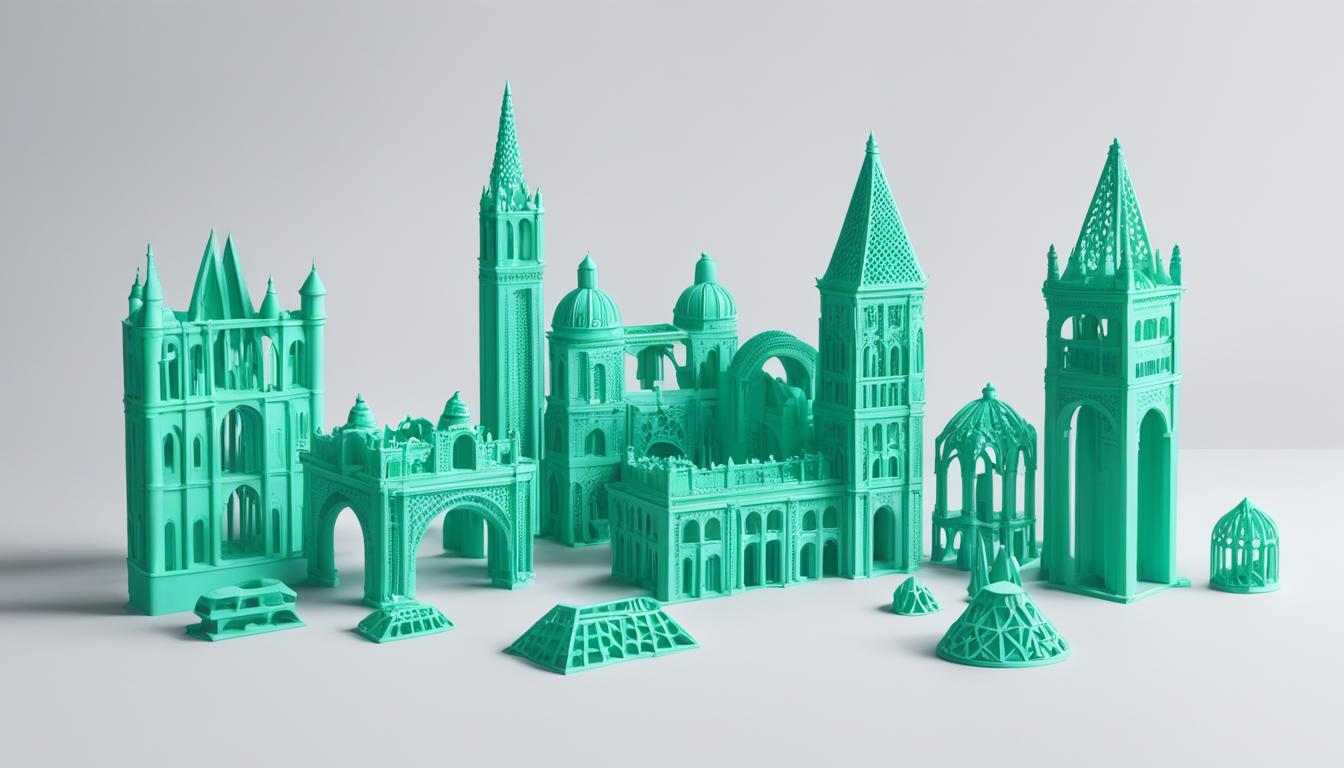
Thingiverse, a prominent repository for digital design files, offers an expansive collection of user-created 3D models. This platform serves as a vital resource for engineers, hobbyists, and educators seeking open-source designs for additive manufacturing and other fabrication methods. Its community-driven nature fosters innovation and collaborative development.
Accessing these designs provides a practical starting point for numerous projects, from rapid prototyping to custom tooling. The sheer volume of available models significantly reduces initial design time, allowing for quicker iteration and experimentation in various engineering applications. Many designs are optimized for common desktop 3D printers.
Acquiring and Understanding STL Files
Downloading open-source STL files from Thingiverse is a straightforward process, typically involving a direct download button on each model’s page. STL, or ‘stereolithography’ file format, represents a 3D model as a collection of triangular facets, defining the surface geometry without color or texture information. This format is universally accepted by 3D printing slicer software.
While STL files are excellent for conveying shape, they are less ideal for parametric modification. Engineers often encounter situations where a downloaded STL requires scaling or minor geometric adjustments. Understanding the limitations of this tessellated format is crucial before attempting complex design changes. Direct manipulation of individual triangles can be cumbersome and imprecise in many CAD environments.
Many Thingiverse models are released under various Creative Commons licenses, which dictate how the designs can be used, modified, and shared. Common licenses include ‘Attribution’ (CC BY), ‘Attribution-ShareAlike’ (CC BY-SA), and ‘Attribution-NonCommercial’ (CC BY-NC). Always review the specific license associated with a model before downloading or remixing to ensure compliance with intellectual property rights.
The Art of Remixing and Design Modification
| Parameter | PLA (Polylactic Acid) | PETG (Polyethylene Terephthalate Glycol) | ABS (Acrylonitrile Butadiene Styrene) |
|---|---|---|---|
| Nozzle Temperature | 190-220°C | 230-250°C | 230-250°C |
| Bed Temperature | 50-60°C | 70-80°C | 90-110°C |
| Layer Height (mm) | 0.1-0.3 | 0.15-0.35 | 0.15-0.3 |
| Print Speed (mm/s) | 40-80 | 30-60 | 40-70 |
| Infill Density (%) | 15-30 | 20-40 | 20-50 |
| Standard Tolerance (mm) | ±0.2 to ±0.5 | ±0.2 to ±0.5 | ±0.2 to ±0.5 |
Remixing 3D designs involves taking an existing model and modifying it to suit new requirements or improve functionality. This practice is central to the Thingiverse community, where users often upload ‘remixes’ of popular designs. Effective remixing requires a foundational understanding of CAD software and the ability to work with imported mesh data.
Engineers frequently modify models to integrate them into larger assemblies, adapt them for different manufacturing processes, or optimize them for specific material properties. For instance, a bracket designed for FDM printing might be remixed to incorporate features suitable for CNC milling, such as larger fillet radii or specific mounting holes. This iterative design approach accelerates development cycles.
When modifying STL files, converting the mesh into a solid body within a CAD program is often the first step. This conversion allows for operations like boolean additions or subtractions, feature suppression, and direct editing of faces. However, the accuracy of such conversions can vary, potentially introducing minor geometric inaccuracies that require careful inspection.
Preparing Models for Fabrication: Slicer Software
Slicer software acts as the critical intermediary between a 3D model and a 3D printer, translating the digital design into machine-readable G-code instructions. Programs like PrusaSlicer and Ultimaker Cura are widely used for their robust features and extensive printer compatibility. Importing an STL file into a slicer is typically a drag-and-drop operation.
Within the slicer, engineers define crucial printing parameters that directly impact part quality and mechanical properties. These settings include layer height, infill density, print speed, and support structures. Optimizing these parameters is essential for achieving desired tolerances and surface finish, especially for functional prototypes or end-use parts.
Consider the following typical FDM printing parameters for common engineering plastics:
These values represent general guidelines; specific printer models and filament brands may require fine-tuning for optimal results. Achieving tight tolerances often necessitates slower print speeds and careful calibration.
Beyond STL: Accessing Free CAD File Downloads
While Thingiverse primarily hosts STL files, many designers also provide native CAD files, such as STEP, IGES, or Fusion 360 archives, for more advanced modification. These parametric formats retain the design intent and feature history, making them significantly easier to edit than tessellated STLs. Searching for models explicitly offering these formats can save considerable time in complex projects.
Several other platforms complement Thingiverse by offering a broader range of CAD file types. Websites like GrabCAD, McMaster-Carr (for component models), and various manufacturer sites provide extensive libraries of free CAD models. These resources are invaluable for integrating standard components or detailed assemblies into new designs without starting from scratch.
Utilizing native CAD files allows for precise engineering changes, such as adjusting hole patterns, modifying wall thicknesses, or altering complex curves with greater accuracy. This capability is particularly beneficial for professional applications where dimensional precision and design flexibility are paramount. Always prioritize native CAD formats when extensive modification is anticipated.