
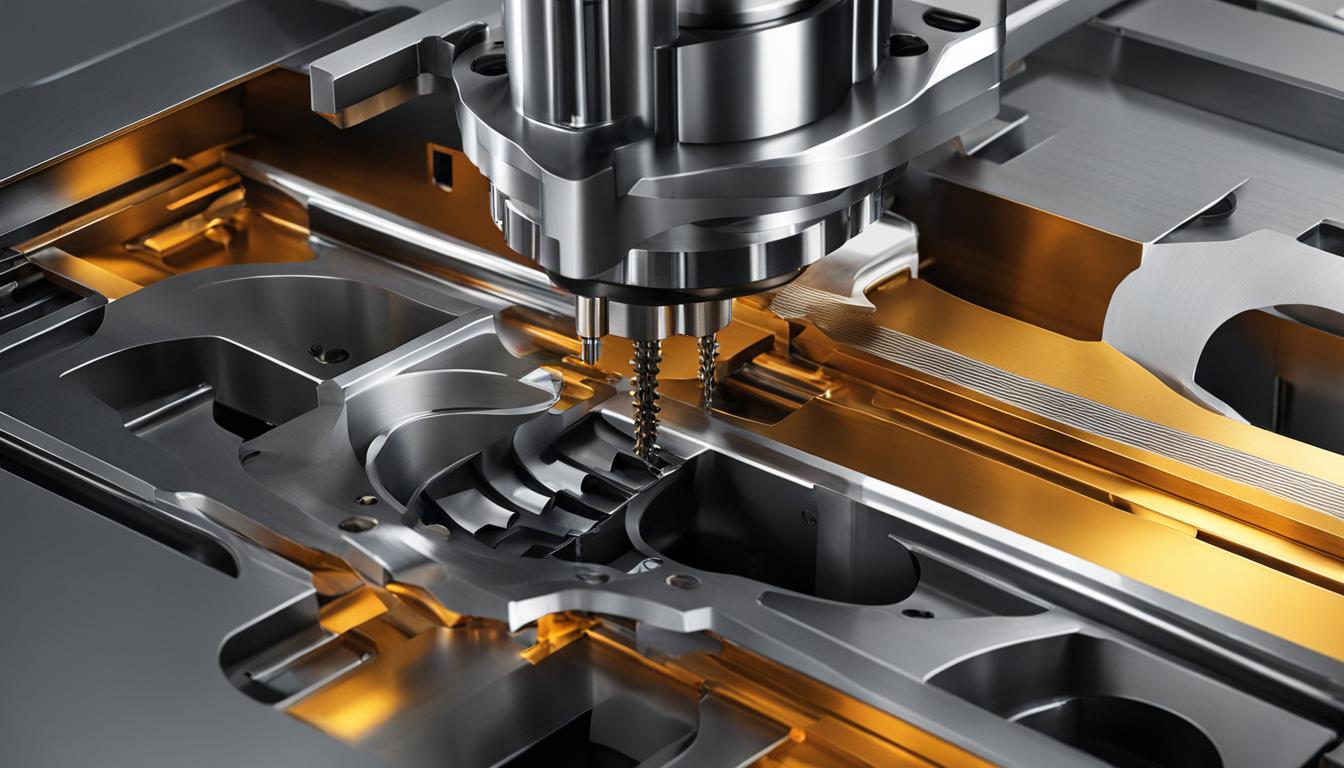
Entering the field of Computer Numerical Control (CNC) machining presents a unique blend of challenges and rewarding opportunities. While the initial learning curve for basic operation can be managed relatively quickly, achieving true proficiency demands a deeper understanding of machine mechanics, software, and programming principles. This guide outlines the technical journey from novice to skilled CNC professional.
Modern manufacturing relies heavily on CNC technology for its precision and repeatability, making skilled operators and programmers highly sought after. The path to mastering CNC involves distinct stages, each building upon foundational knowledge and practical experience.
Basic Operator Training Ease
Initial CNC operator training focuses on fundamental machine interaction and safety protocols. New hires typically learn to load and unload raw materials, monitor machine performance, and perform basic quality checks on finished products. This entry-level role emphasizes adherence to safety guidelines and understanding machine functions.
Training programs often begin with theoretical learning, covering CNC machine basics, different machining operations like milling and turning, and essential tooling terminology. Hands-on practice, often through shadowing experienced machinists, is crucial for developing confidence and practical skills. Many entry-level positions offer on-the-job training, though formal vocational programs are increasingly preferred.
Operators must become proficient with the specific control interfaces used in their shop, such as Fanuc, Haas, or Siemens. This includes learning to load programs, adjust feeds and speeds, and utilize manual data input (MDI) for minor adjustments. The ability to identify and respond to issues like tool wear or coolant starvation is vital for preventing costly mistakes.
Setup and Zeroing Fundamentals
| CNC Operation | Standard Tolerance Range (in.) | Standard Tolerance Range (mm) |
|---|---|---|
| 3-axis CNC Milling | ±0.005″ | ±0.13 mm |
| 5-axis CNC Milling | ±0.005″ | ±0.13 mm |
| CNC Turning | ±0.005″ | ±0.13 mm |
| Drilling | ±0.005″ | ±0.13 mm |
| Reaming | ±0.001″ | ±0.025 mm |
| Boring | ±0.001″–0.002″ | ±0.025–0.051 mm |
Accurate machine setup is a critical skill in CNC machining, directly impacting part quality and production efficiency. This process involves securing the workpiece, installing the correct cutting tools, and precisely establishing the work coordinate system (WCS) or ‘part zero’.
Workholding methods range from simple vises and clamps to complex custom fixtures. Proper workholding ensures rigidity and prevents part movement during machining. Tool setting involves accurately measuring tool lengths and diameters, which are then entered as offsets into the machine’s control.
Establishing workpiece zero is paramount for clean toolpaths and repeatable results. This can be achieved manually using edge finders or indicators, or more efficiently with automated probing systems. Probing systems significantly reduce setup times and human error by precisely locating part features and setting offsets directly on the machine.
Setup times vary considerably based on job complexity, tooling requirements, and machine calibration. A simple program change might take 15 minutes, while a complex 5-axis setup with multiple tools and fixtures could require several hours. Efficient setup practices, such as pre-staging tooling and documenting qualified setups, are essential for maximizing machine uptime.
Software Toolpath Learning Curve
Computer-Aided Manufacturing (CAM) software is the bridge between a CAD design and the CNC machine, translating 3D models into executable toolpaths and G-code. The learning curve for CAM software can be steep, especially for those new to machining strategies and parameter settings.
Beginner-friendly CAM solutions prioritize intuitive interfaces, clear workflows, and robust learning resources. Software like Fusion 360 is popular for hobbyists and small businesses due to its affordability and extensive tutorials. Other options like RhinoCAM offer seamless integration with CAD software, simplifying the design-to-manufacturing process.
Mastering CAM involves understanding various machining strategies, such as contouring, pocketing, and drilling, and correctly setting parameters like feed rate, spindle speed, step-down, and step-over. Reliable toolpath simulation is crucial for verifying programs before running them on the machine, preventing collisions and ensuring desired outcomes.
Proficiency with basic 2.5D milling and drilling operations can often be achieved within two to four weeks of consistent practice. However, mastering advanced features like multi-axis toolpaths, complex simulations, and post-processor customization typically requires several months. A strong background in engineering principles can significantly accelerate this learning process.
G-Code Reference Mastering
G-code, or Geometric code, is the fundamental programming language that directs CNC machine operations. It dictates the geometric path of the cutting tool, including where to move, how fast, and along which axis. M-codes, or miscellaneous codes, control non-motion machine actions such as spindle on/off, coolant activation, and tool changes.
While modern CAM software generates most G-code, understanding its fundamentals is essential for troubleshooting, optimizing programs, and making manual edits. Basic G-codes like G00 (rapid traverse), G01 (linear interpolation), G02 (clockwise circular interpolation), and G03 (counter-clockwise circular interpolation) are foundational.
Other critical G-codes include those for plane selection (G17, G18, G19), unit selection (G20 for inches, G21 for millimeters), and cutter compensation (G40, G41, G42). M-codes such as M03 (spindle on clockwise), M05 (spindle stop), and M06 (tool change) are equally important for machine control.
Mastering G-code involves not just memorization, but understanding how these commands interact and how different CNC controllers interpret them. Fanuc, Haas, and Siemens controllers, for instance, have minor variations in their G-code dialects. Simulating code before execution and using safe retract heights are expert tips to avoid costly machine crashes.
Skill Progression Stages
The journey from an entry-level CNC operator to a highly skilled CNC professional involves several distinct stages of skill progression. Most individuals begin as operators, focusing on loading parts, monitoring machines, and performing basic inspections. This initial phase builds foundational machine handling and measurement skills.
The next stage typically involves becoming a CNC machinist or setter, where individuals gain expertise in machine setup, tool setting, and adjusting work offsets. This role requires a deeper understanding of blueprints, technical drawings, and the ability to make precise adjustments to tooling and machinery.
Further progression leads to becoming a CNC programmer, a role focused on creating and optimizing machining programs using G-code and CAM software. Programmers develop advanced skills in toolpath generation, simulation, and troubleshooting programming errors. This stage often includes learning multi-axis machining and advanced manufacturing techniques.
The pinnacle of a CNC career often involves roles such as Senior CNC Operator, Lead Machinist, or Process Engineer. These positions demand comprehensive technical depth, including independent blueprint reading, process planning, and advanced problem-solving. Continuous learning, mentorship, and specialization in areas like aerospace or medical device manufacturing are key to long-term success.