
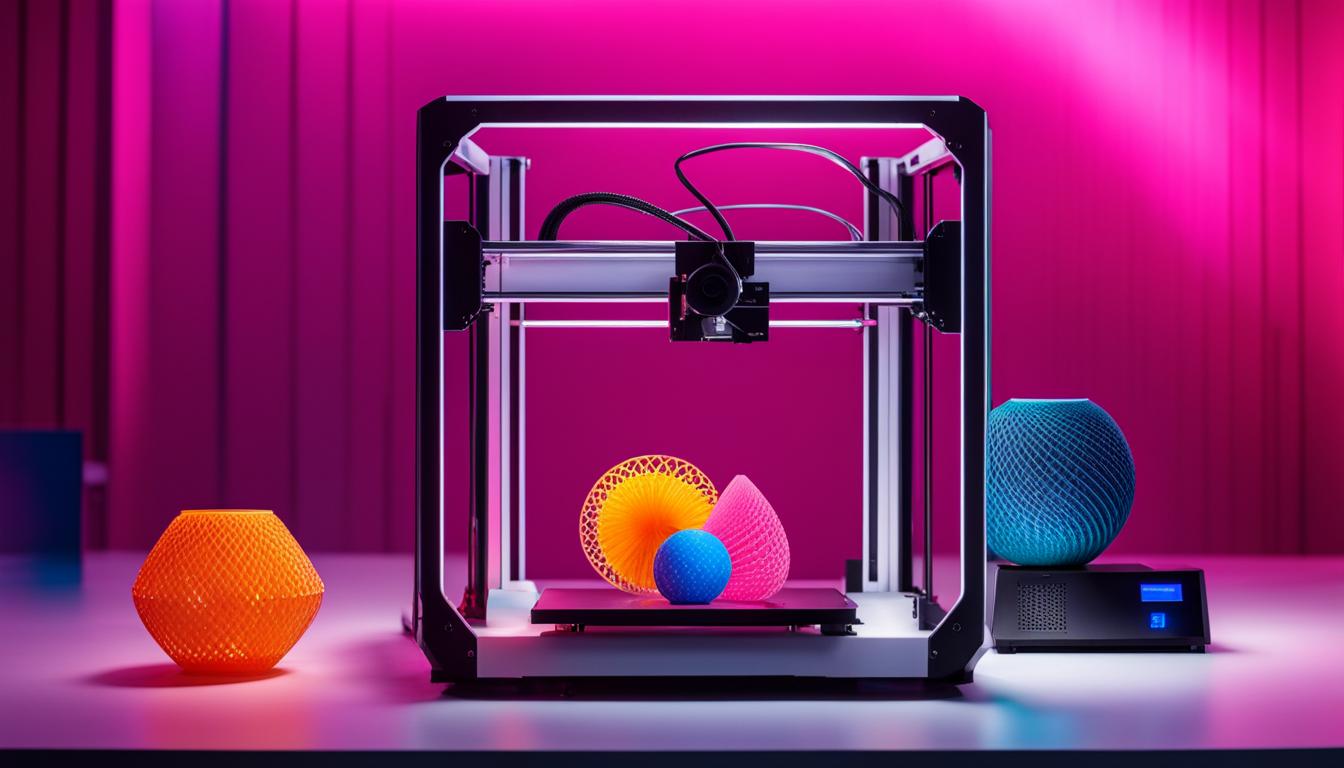
Prusa Research has significantly influenced the additive manufacturing landscape, particularly within the Fused Deposition Modeling (FDM) sector. Their commitment to open-source principles has fostered widespread adoption and continuous community-driven development. This approach has solidified their position as a leader in accessible, high-performance 3D printing technology.
The Original Prusa I3 MK Series Evolution
The Original Prusa i3 MK series began with the i3 design, evolving through several iterations to become a benchmark for FDM printers. Each generation introduces significant hardware and software enhancements, improving reliability and print quality. The MK4, for instance, features a next-generation extruder and a 32-bit mainboard.
The latest Original Prusa i3 MK4 incorporates advanced features like the ‘Nextruder’ with a load cell sensor for automatic first layer calibration, eliminating manual Z-axis adjustments. This system ensures consistent bed adhesion and reduces print failures. It also boasts a 32-bit xBuddy mainboard for faster processing and quieter operation.
Prusa i3 MK series printers are known for their broad material compatibility, handling PLA, PETG, ABS, ASA, flexibles, and more. The standard build volume for the MK4 is 250 x 210 x 220 mm, offering ample space for various projects.
Typical dimensional tolerances achievable on a well-calibrated Prusa i3 MK series printer for FDM parts can range from ±0.1 mm to ±0.2 mm for features under 100 mm, depending on material, geometry, and print settings. Larger parts may see slightly increased deviations, with general FDM tolerances often cited as ±0.5% (lower limit ±0.5 mm) for prototyping.
Open-Source 3D Printer Design Philosophy
| Parameter | Typical FDM Range (Prusa) | Notes |
|---|---|---|
| Layer Height | 0.05 – 0.35 mm | Depends on nozzle size and desired detail |
| Nozzle Diameter | 0.4 mm (standard) | Interchangeable (e.g., 0.25 mm to 0.8 mm) |
| PLA Nozzle Temp | 200-220°C | Bed Temp 50-60°C, Speed 60-150 mm/s |
| PETG Nozzle Temp | 230-250°C | Bed Temp 70-90°C, Speed 40-80 mm/s |
| ABS Nozzle Temp | 240-260°C | Bed Temp 95-110°C, Speed 40-70 mm/s |
Prusa Research champions an open-source philosophy, releasing hardware designs, firmware, and software under licenses like the GNU General Public License. This transparency allows users and developers worldwide to inspect, modify, and improve the technology. The original Prusa i3 design itself is a derivative of the RepRap project.
This open approach fosters a vibrant community that contributes to bug fixes, feature development, and knowledge sharing. The collective effort accelerates innovation beyond what a single company could achieve independently. It also ensures long-term support and adaptability for the platform.
Users benefit from extensive documentation, community forums, and readily available spare parts and upgrades from various manufacturers. This ecosystem reduces vendor lock-in and promotes a deeper understanding of the printer’s mechanics and electronics.
PrusaSlicer Software Features and Capabilities
PrusaSlicer is a powerful, open-source slicing software derived from Slic3r, optimized specifically for Prusa printers but compatible with many FDM machines. It translates 3D models into G-code instructions for the printer. The software is regularly updated with new features and performance improvements.
Key features include ‘Input Shaping’ and ‘Pressure Advance’ for reducing ringing and ghosting artifacts, leading to cleaner prints at higher speeds. ‘Organic Supports’ generate tree-like support structures that are easier to remove and use less material, minimizing surface marks on the model.
PrusaSlicer natively supports multi-material printing with the MMU unit, allowing for complex color and material combinations. ‘Paint-on Supports’ and ‘Paint-on Seam’ tools provide granular control over support placement and seam hiding, optimizing print aesthetics and structural integrity.
The software offers pre-configured profiles for various Prusa printers and materials, ensuring optimal settings out of the box. Users can extensively customize these profiles, adjusting layer height, infill patterns, print speeds, temperatures, and retraction settings to fine-tune print quality and speed.
Achieving Reliable FDM Printing
Prusa printers are engineered for high reliability and consistent print quality, a critical factor for both hobbyists and professional applications. This reliability stems from robust hardware, precise calibration systems, and well-integrated software. The MK4’s ‘Nextruder’ with its load cell is a prime example of this, providing automatic first layer calibration.
Consistent extrusion, accurate temperature control, and rigid frame construction contribute to excellent print quality, minimizing issues like warping, stringing, and layer shifting. The automatic mesh bed leveling system further ensures optimal first layer adhesion across the entire print surface.
Regular maintenance, such as cleaning the print sheet, inspecting the nozzle, and lubricating smooth rods, is essential for maintaining long-term reliability. Prusa provides comprehensive guides for routine upkeep, empowering users to keep their machines in top condition.
Multi-Material Upgrade (MMU) Capabilities
The Prusa Multi-Material Upgrade (MMU) allows a single FDM printer to print with up to five different filaments simultaneously. This capability opens up possibilities for multi-color prints, soluble supports, or combining materials with different mechanical properties in one object. The current iteration is the MMU3.
The MMU3 system works by loading and unloading different filaments into a single ‘Nextruder’ hotend. A selector mechanism guides the chosen filament to the extruder, while unused filaments are parked. This process involves precise filament cutting and loading sequences managed by the printer’s firmware and PrusaSlicer.
A key aspect of multi-material printing with a single nozzle is the ‘purge block’ or ‘wipe tower,’ where the printer extrudes residual filament to prevent color mixing. PrusaSlicer automatically generates these structures, optimizing their size to minimize material waste while ensuring clean color transitions.
The MMU significantly expands the design possibilities for functional prototypes, artistic models, and complex assemblies requiring varied material properties. While adding complexity to the printing process, the integrated PrusaSlicer support simplifies setup and operation for multi-material projects.